In this guide
A profile link is prime real estate on TikTok - one tap, one destination. If that destination is your booking page, it’s worth using a link that tells you whether it’s working.
Getting your link
From Embed & TikTok → TikTok in your dashboard, a booking link is generated for you automatically - the same booking page you already have, with tracking built in so bookings made through it are identifiable later.
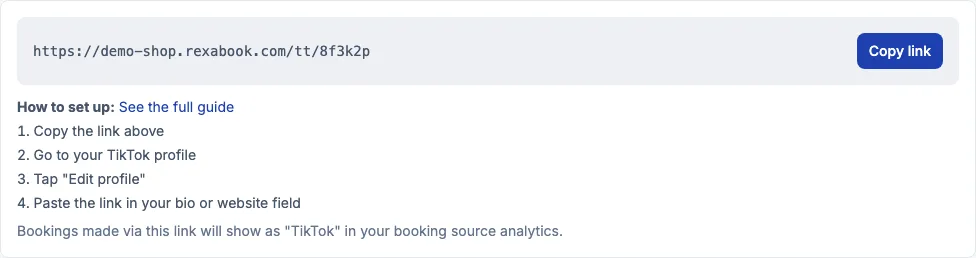 Your tracked link, ready to copy straight into your TikTok bio.
Setting it up
- Copy the link from the TikTok tab.
- Go to your TikTok profile and tap Edit profile.
- Paste the link into your bio or website field.
That’s the whole setup - no app review, no separate account to connect.
Seeing what it’s worth
Any booking made through that link shows up tagged as TikTok in your booking source analytics, separate from bookings made directly on your page or through an embedded widget elsewhere. Over time this answers a question that’s otherwise a guess: whether the traffic from your TikTok following is actually turning into paying customers, not just profile views.
Other ways to share the same link
The same tab also offers a QR code (worth printing near a till or on a card) and a share pack - the link pre-formatted as Markdown or a vCard for wherever a plain URL doesn’t quite fit. All of them point at the same tracked link, so wherever a booking comes from, it still shows up correctly in your analytics.